Easy Pair on macOS
The command installs and opens the notarized Gale Desktop app. Scan its QR code to pair.
 GALE
GALEYour agents, wherever the wind blows
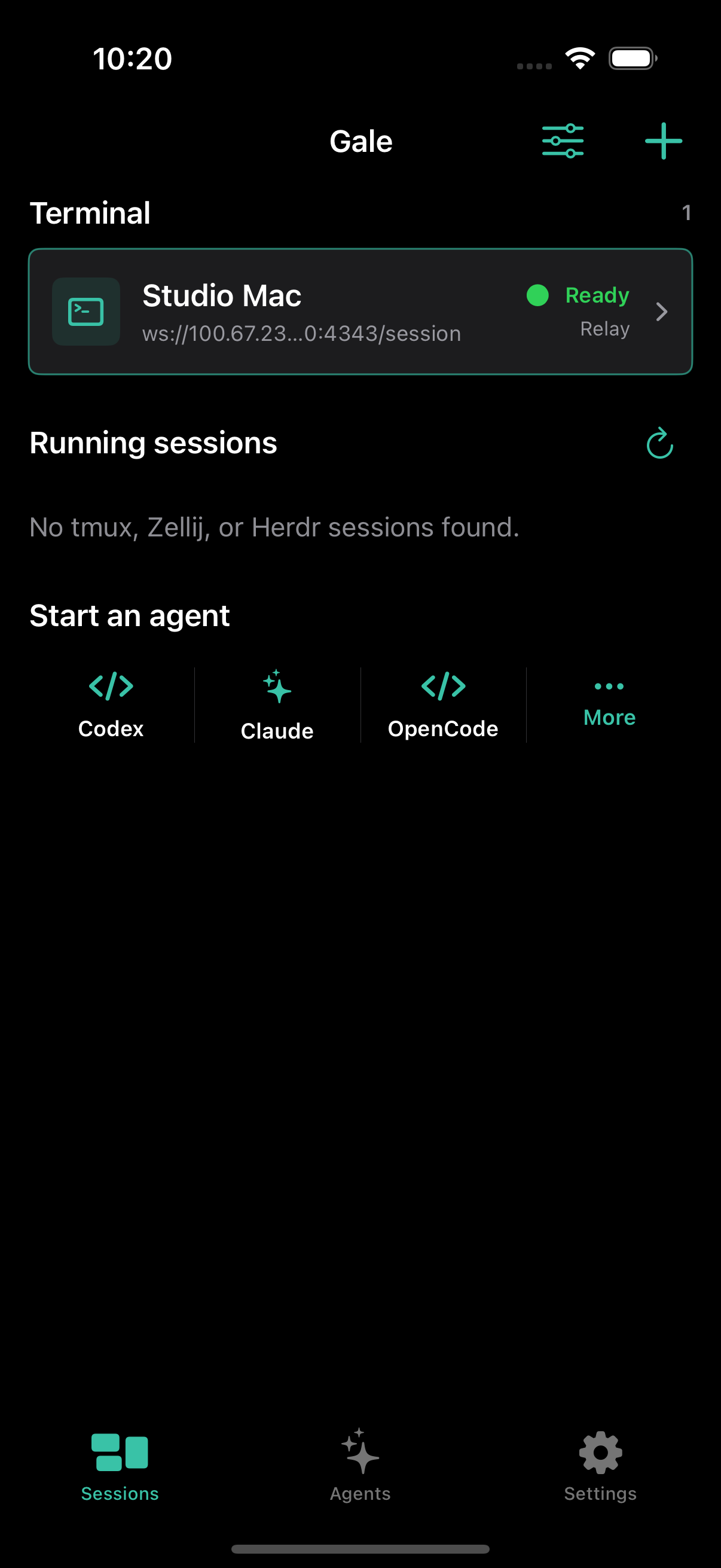
Connect to your own computer so Codex, Claude Code, OpenCode, Hermes, and normal shell sessions stay within reach while you are away from your desk.
The current beta is invitation-only while the public TestFlight link is being prepared. No Gale account required.
CONNECT YOUR COMPUTER
Paste the command on your computer. It installs Gale and opens pairing details so you can scan its pairing code. The signed DMG remains available as a manual fallback.
Paste into Terminal on Mac or Linux, or Ubuntu (WSL) on Windows.
curl -fsSL https://midnightlabsapps.com/install | shSetup verifies the signed release, installs Gale, and shows pairing details. On Windows, WSL must already be installed; this command does not run in PowerShell. A password may be required. No separate pairing command.
Manual download for Mac
Download signed DMGPaste the macOS command.
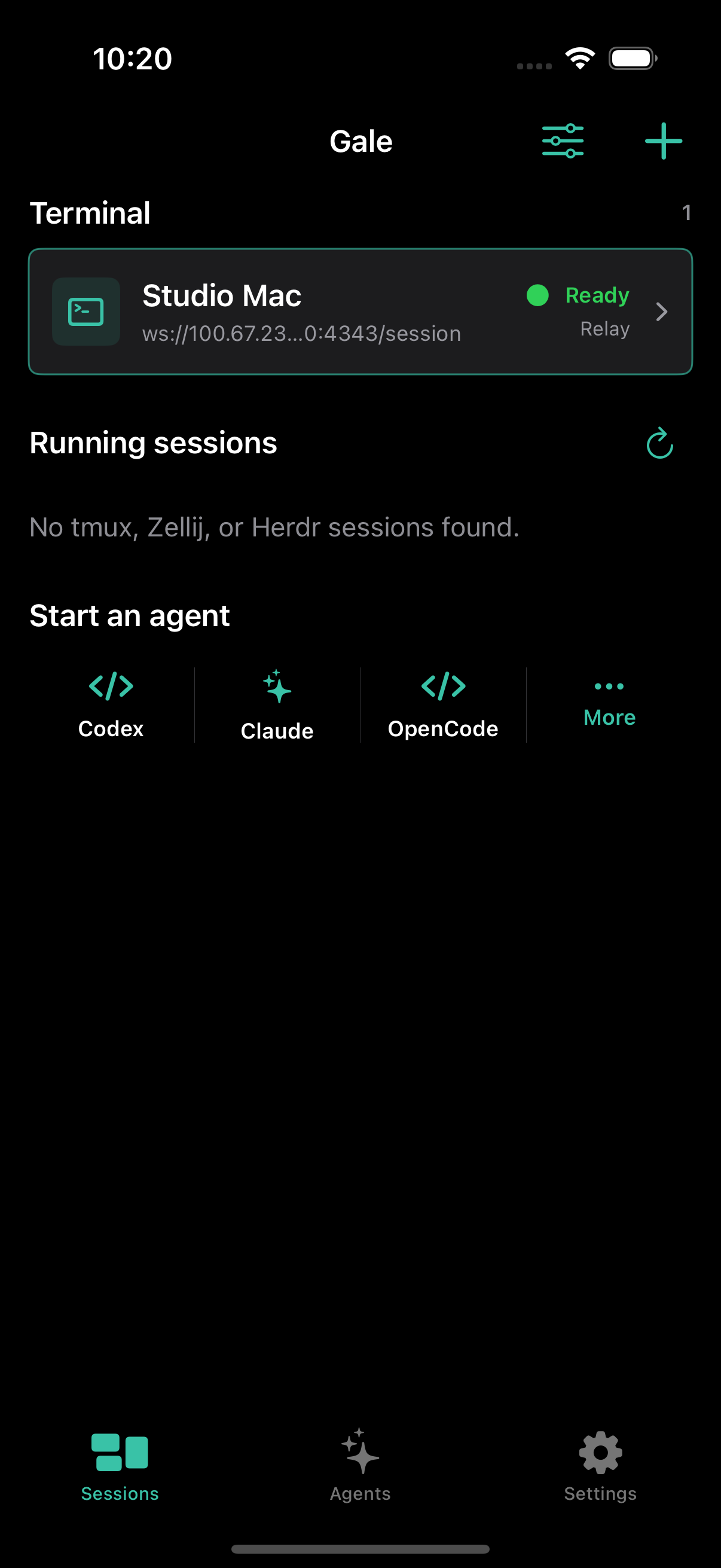
Scan the pairing code in the Gale mobile app.
Start building with your agents!
The command installs and opens the notarized Gale Desktop app. Scan its QR code to pair.
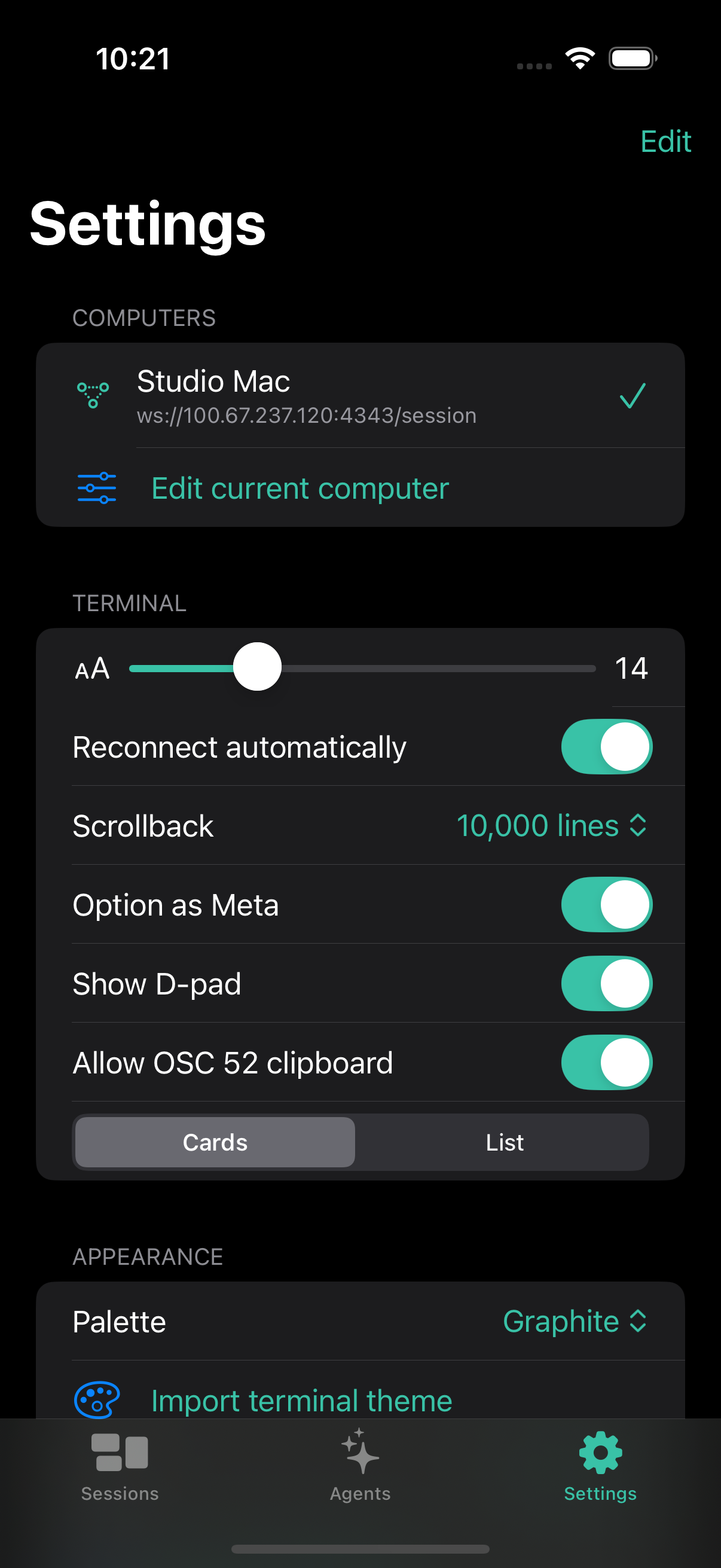
You can also add any Mac, Linux, or Windows computer by SSH address. Mosh and Eternal Terminal are available when installed on the host.
Pairing codes are single-use, connections are encrypted, and credentials remain on your devices.
SSH client at the core. Purpose-built agent workspace everywhere else.
HOW IT WORKS
Request an invitation to the current Apple TestFlight beta.
Request beta accessPair a Mac with the signed Gale Desktop app, or connect with SSH, Mosh, Eternal Terminal. On Windows, the installer sets up Gale inside WSL Linux.
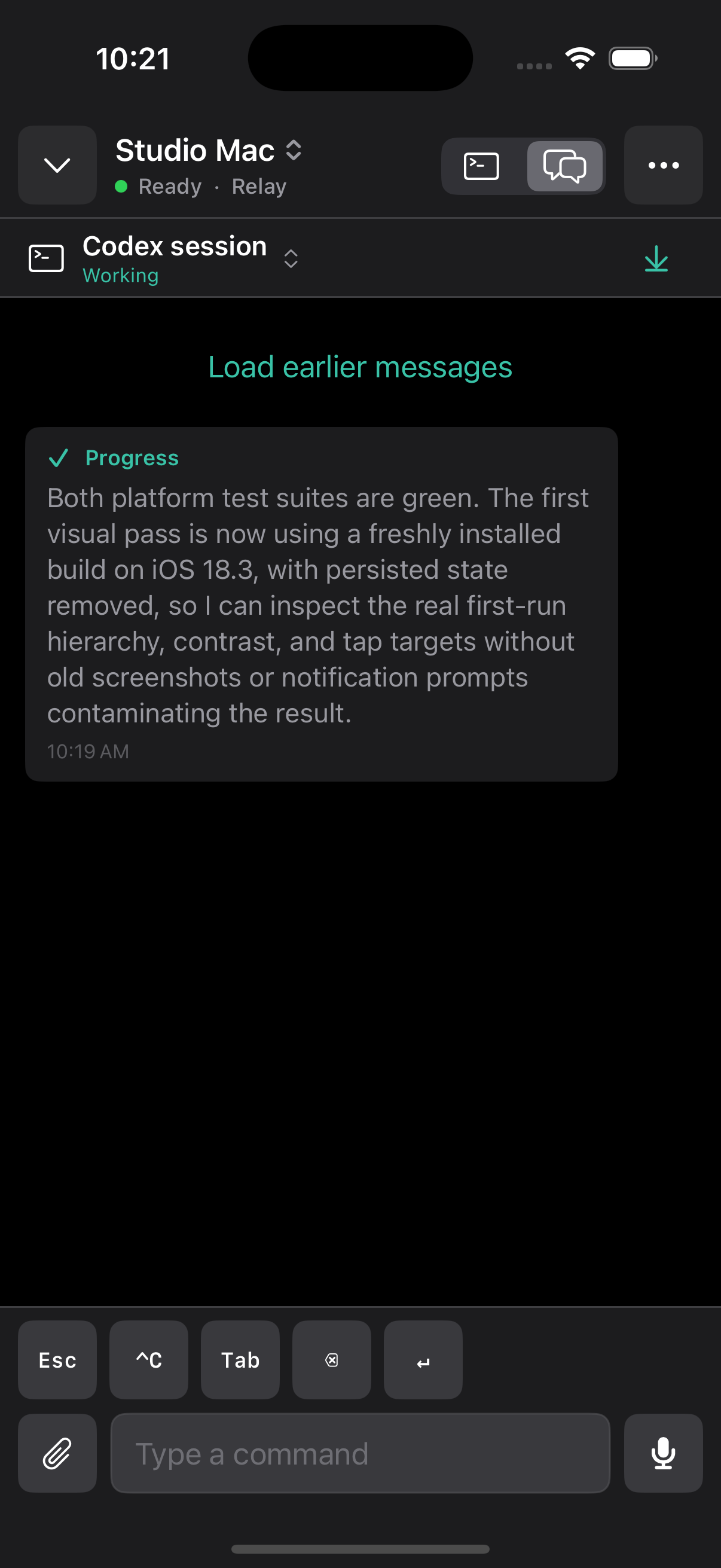
Set up your computerSessions persist through reconnects. Review diffs, approve steps, and answer the agent from wherever you are.
ONE WORKSPACE
Run Codex, Claude Code, OpenCode, or a normal shell. Move between a full terminal and a structured agent conversation without losing the underlying session.
APPLE WATCH
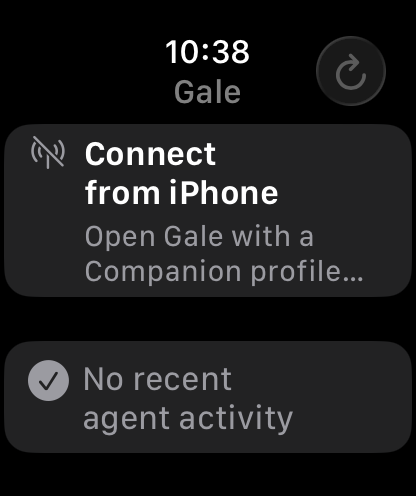
See activity, session state, and action approval requests without reaching for your phone.